Text Input and Output
SwiftUI 提供了丰富且强大的文本显示和输入组件,从基础的文本展示到复杂的富文本编辑,再到全新的 Writing Tools 支持,这篇笔记涵盖了官方文档中关于 Text input and output 的核心知识点。
SwiftUI 提供了丰富且强大的文本显示和输入组件。从基础的文本展示到复杂的富文本编辑,再到全新的 Writing Tools 支持,这篇笔记涵盖了官方文档中关于 "Text input and output" 的核心知识点。
显示文本
Text
Text 是 SwiftUI 中最基础的文本显示视图,支持多行只读文本。
基础用法与样式
Text 支持链式调用修改器进行样式设置,如字体、颜色、粗细等。
Text("Hello, SwiftUI!")
    .font(.title)
    .fontWeight(.bold)
    .foregroundStyle(.blue)
    .italic()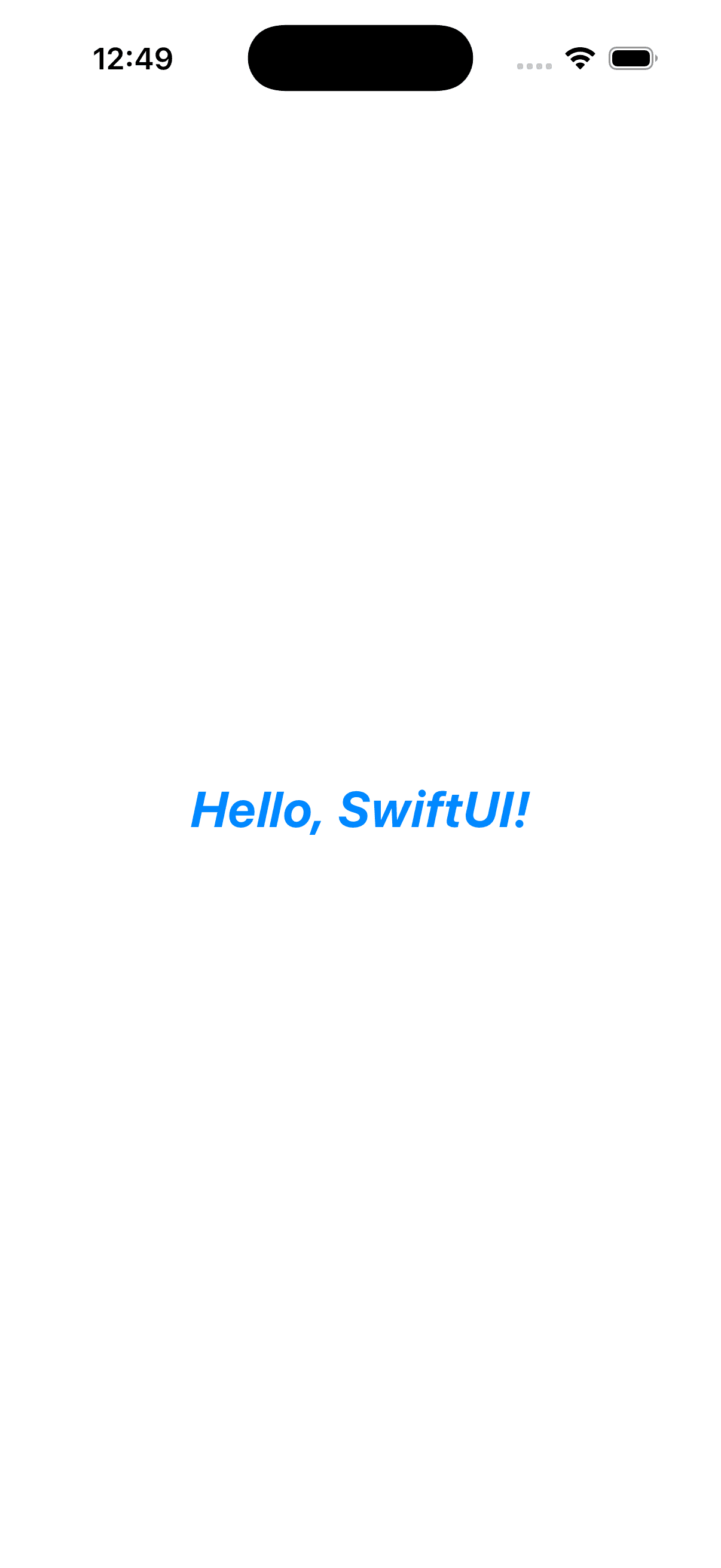
Markdown 支持
Text 原生支持 Markdown 语法,可以轻松渲染富文本。
Text("This is **bold** and this is *italic*.")
Text("Visit [Apple](https://apple.com) for more info.")
日期与时间格式化
Text 可以直接接受 Date 类型,并提供多种样式选项。
Text(Date(), style: .date)   // "November 23, 2025"
Text(Date(), style: .time)   // "12:04"
Text(Date(), style: .relative) // "10 sec"
Text(Date(), style: .timer)  // "0:10"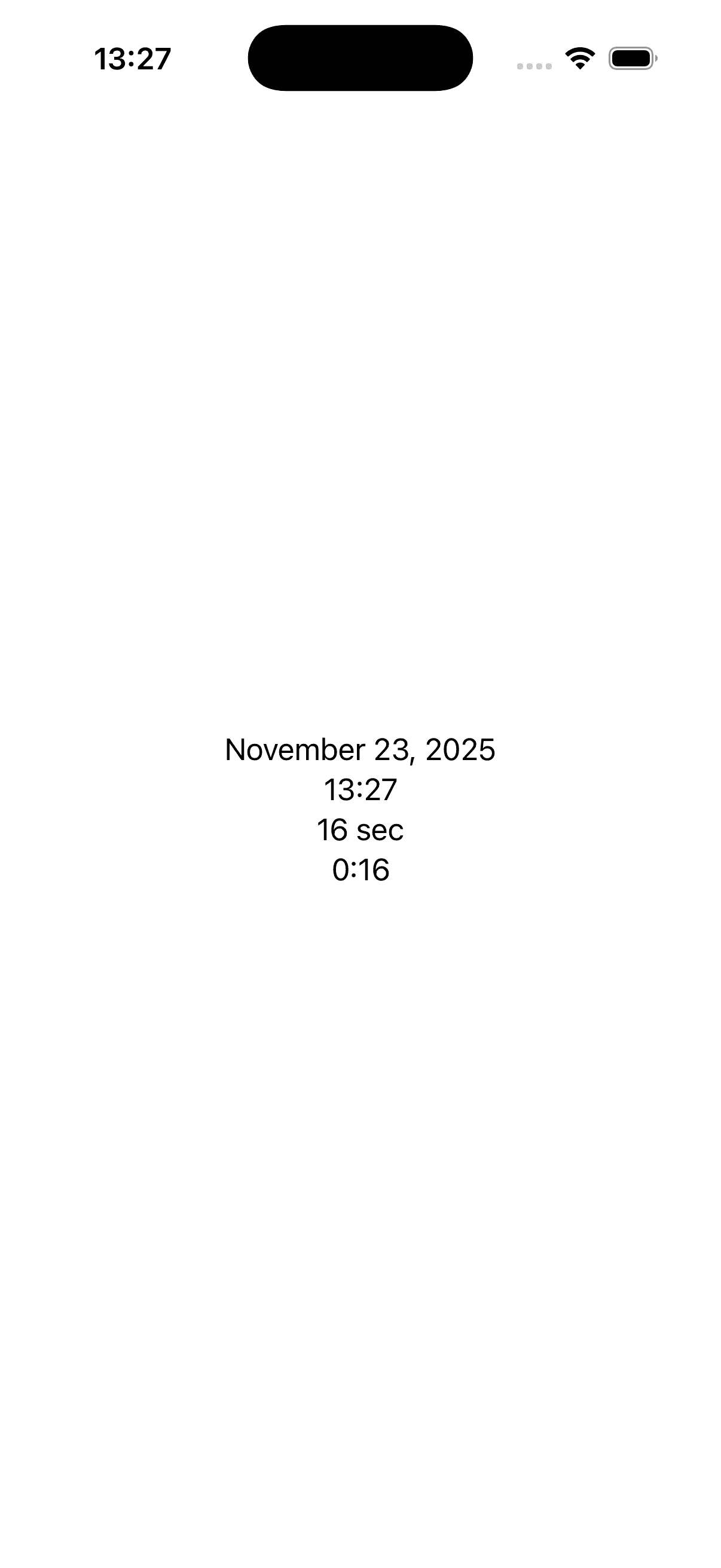
Label
Label 用于同时显示文本和图标(SF Symbols 或自定义图片),常用于列表项或菜单中。它会自动适应系统的动态类型和布局方向。
Label("Settings", systemImage: "gear")
Label("Favorite", systemImage: "star.fill")
    .labelStyle(.titleOnly) // 仅显示标题
    .labelStyle(.iconOnly)  // 仅显示图标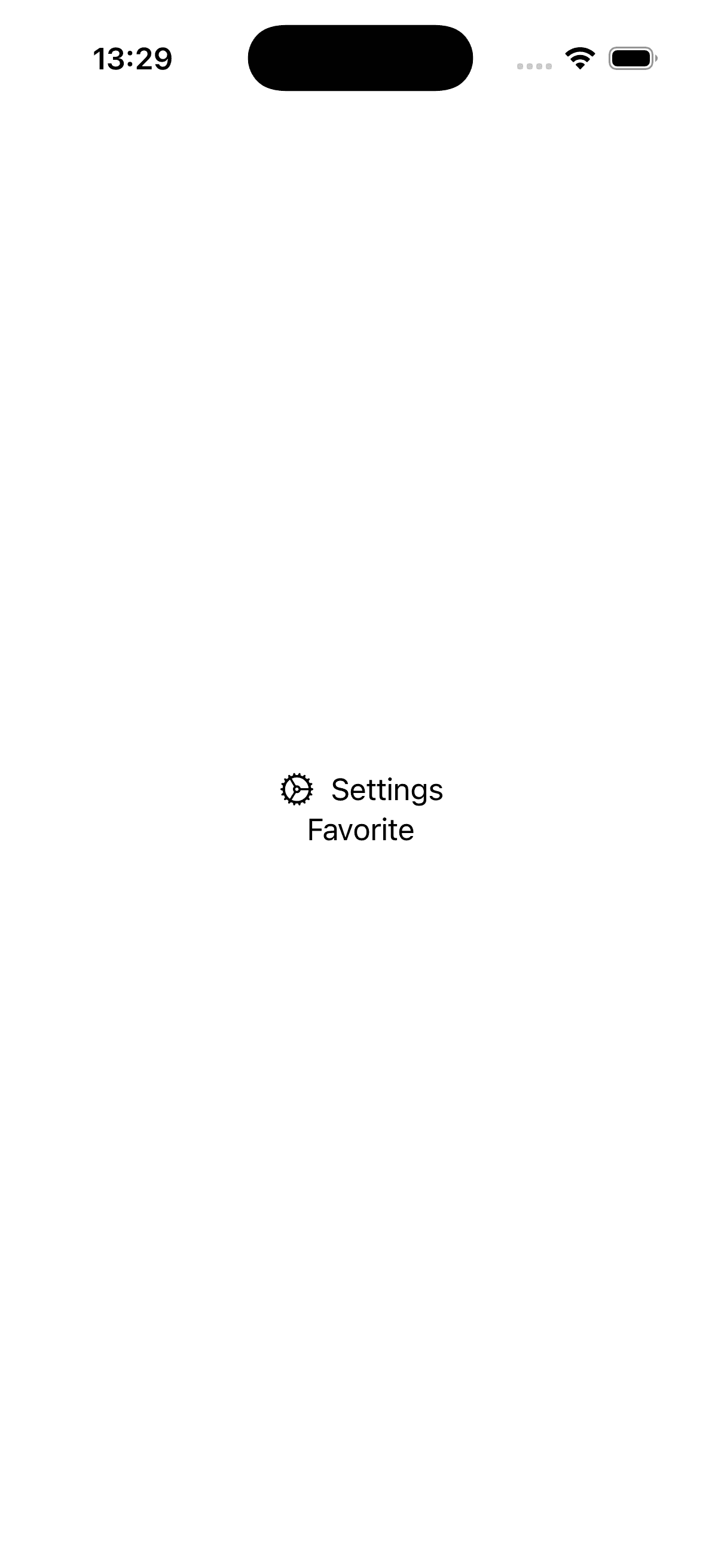
获取文本输入
TextField
TextField 是最常用的单行文本输入控件。
基础用法
@State private var username: String = ""

TextField("Username", text: $username)
    .textFieldStyle(.roundedBorder)
    .padding()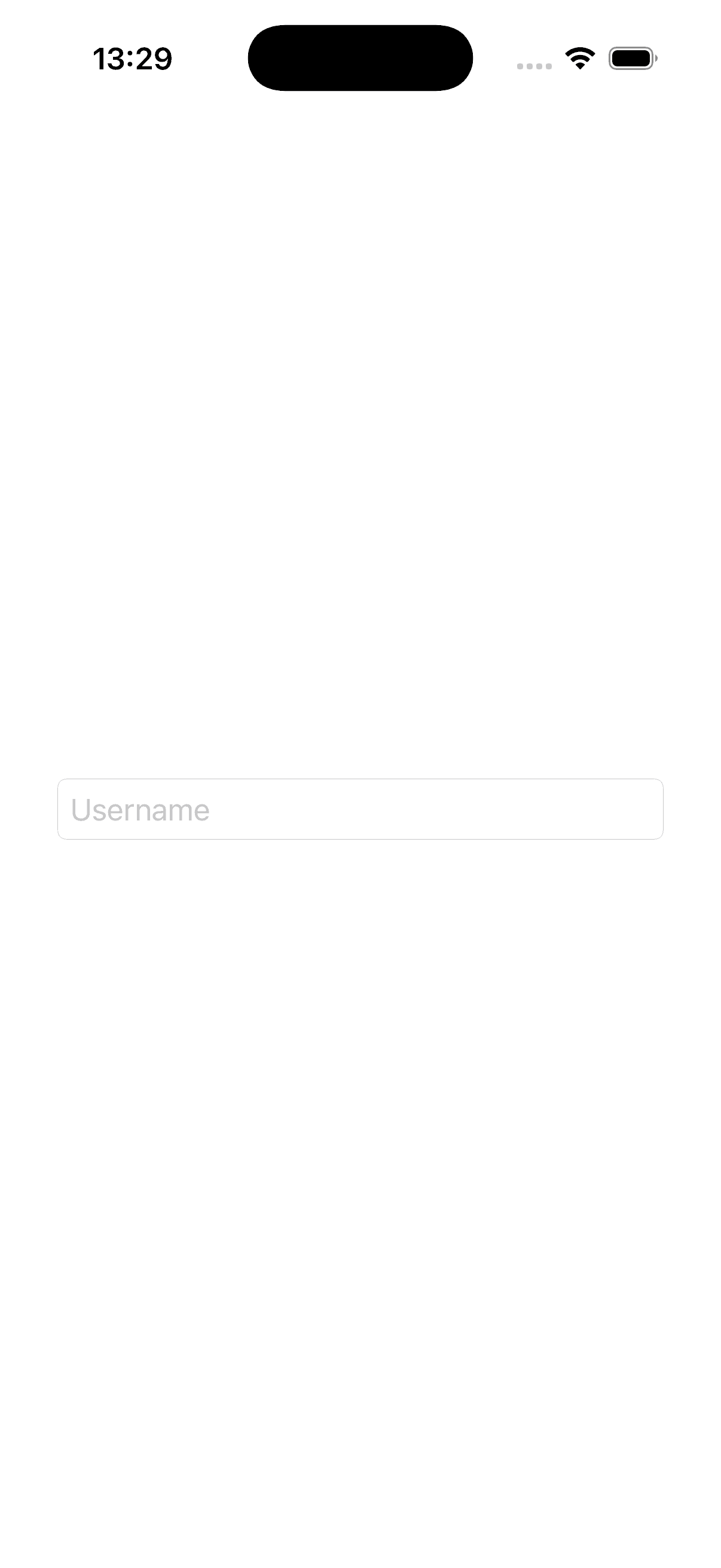
格式化输入 (Formatters)
可以直接绑定非 String 类型的数据,利用 Formatter 自动转换。
@State private var score: Int = 0

TextField("Score", value: $score, format: .number)
    .keyboardType(.numberPad)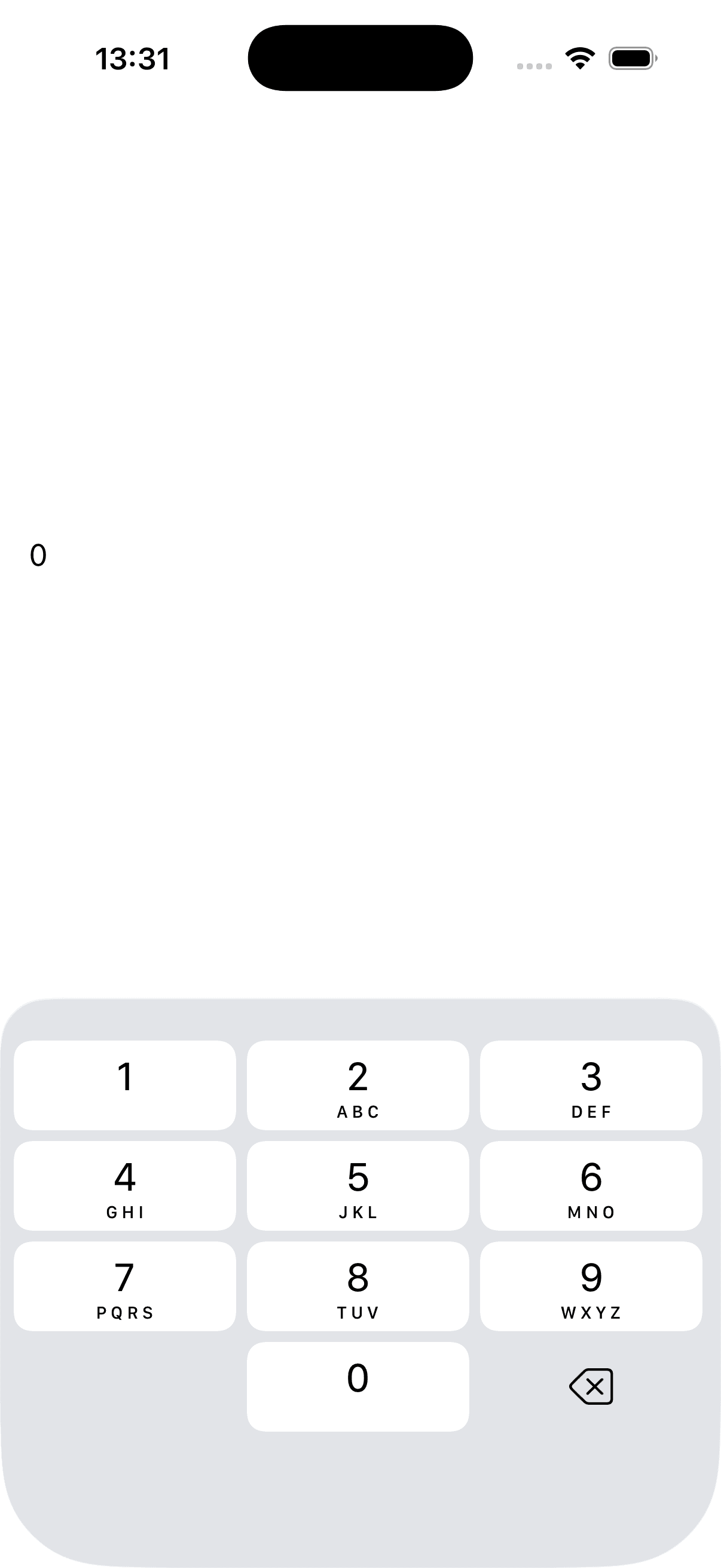
SecureField
用于输入敏感信息(如密码),输入内容会被隐藏。用法与 TextField 基本一致。
@State private var password = ""

SecureField("Password", text: $password)
    .textContentType(.password) // 帮助系统识别为密码字段
    .border(.secondary)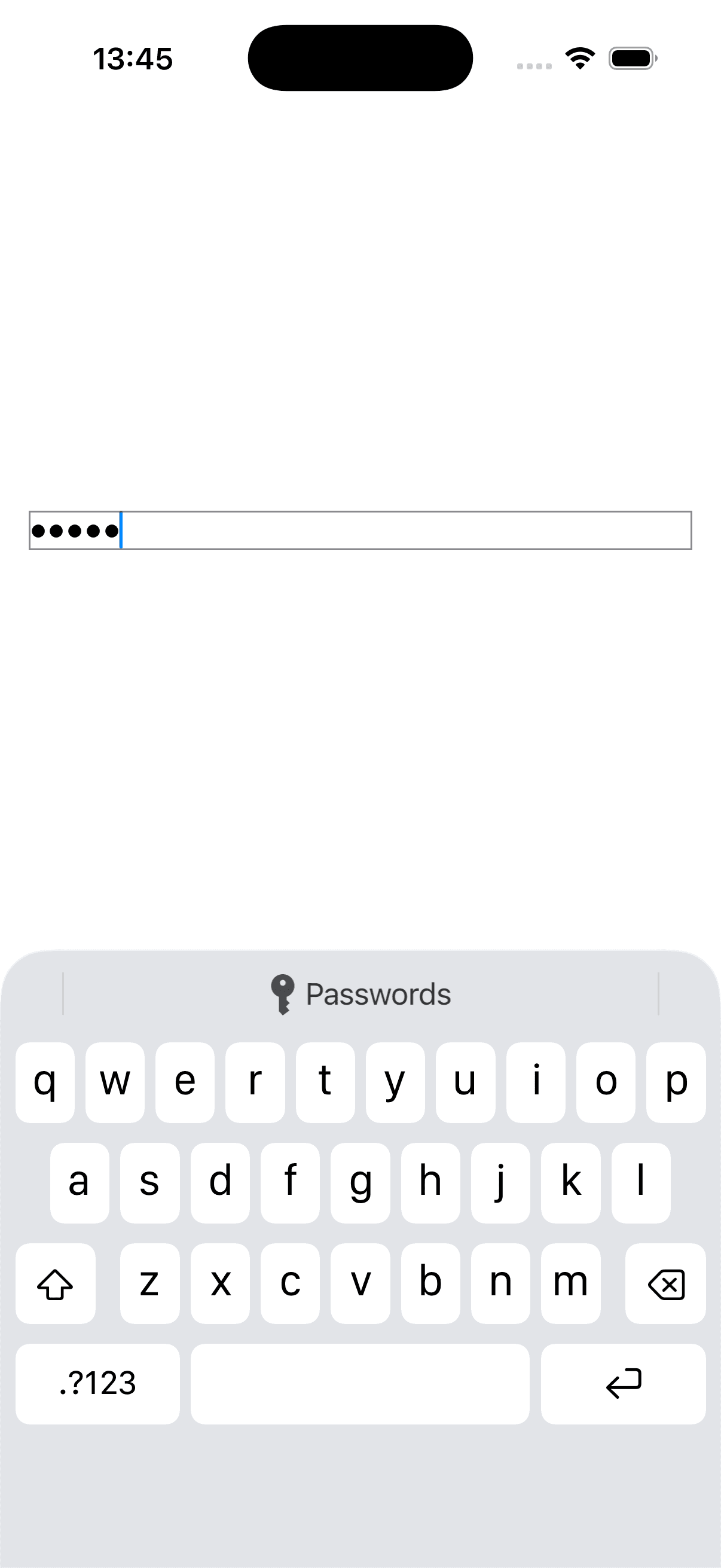
TextEditor
用于多行长文本的输入和编辑,支持滚动。
@State private var bio = "Enter your bio here..."

TextEditor(text: $bio)
    .font(.body)
    .lineSpacing(5)
    .border(.gray)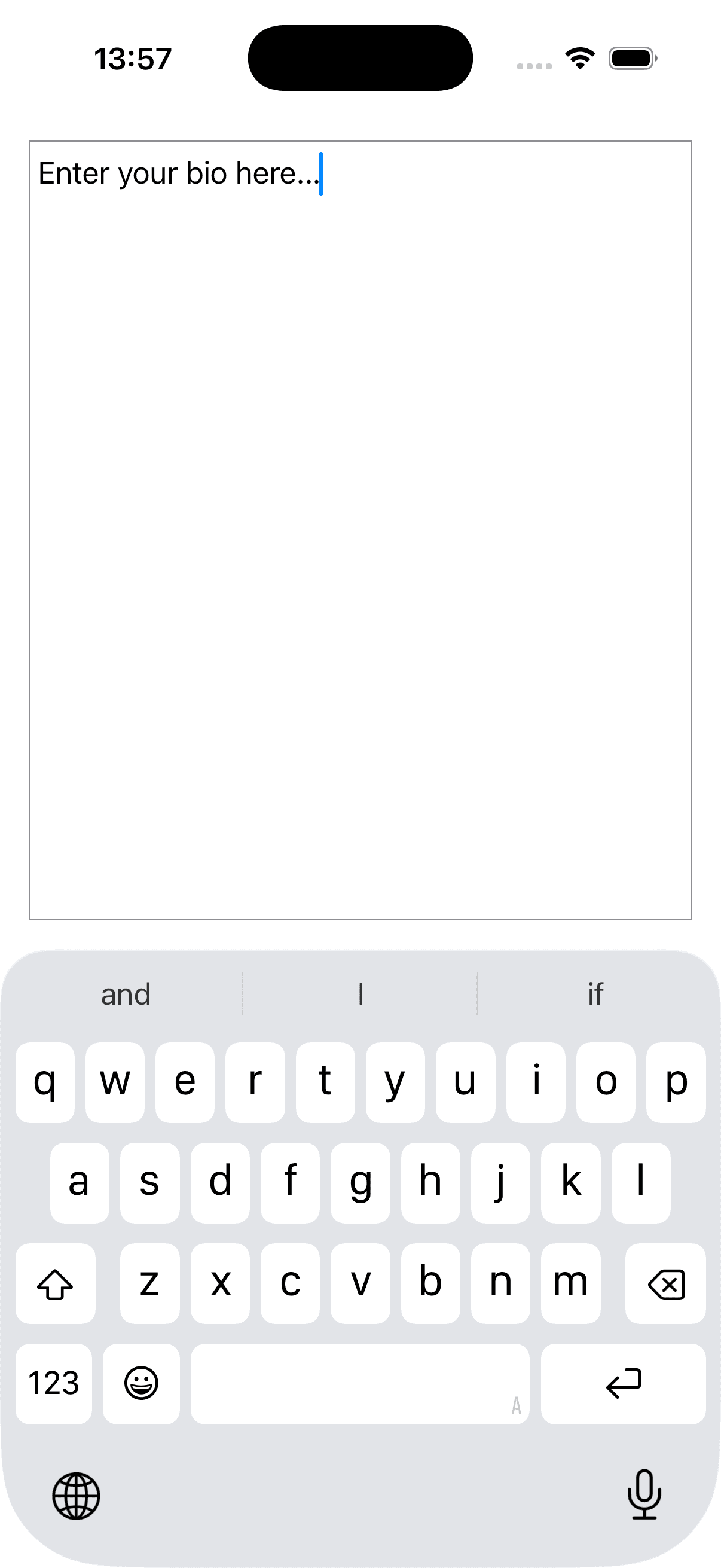
选择与搜索
文本选择
默认情况下 Text 不可选中。使用 textSelection 修饰符开启选择功能。
Text("This text can be selected and copied.")
    .textSelection(.enabled)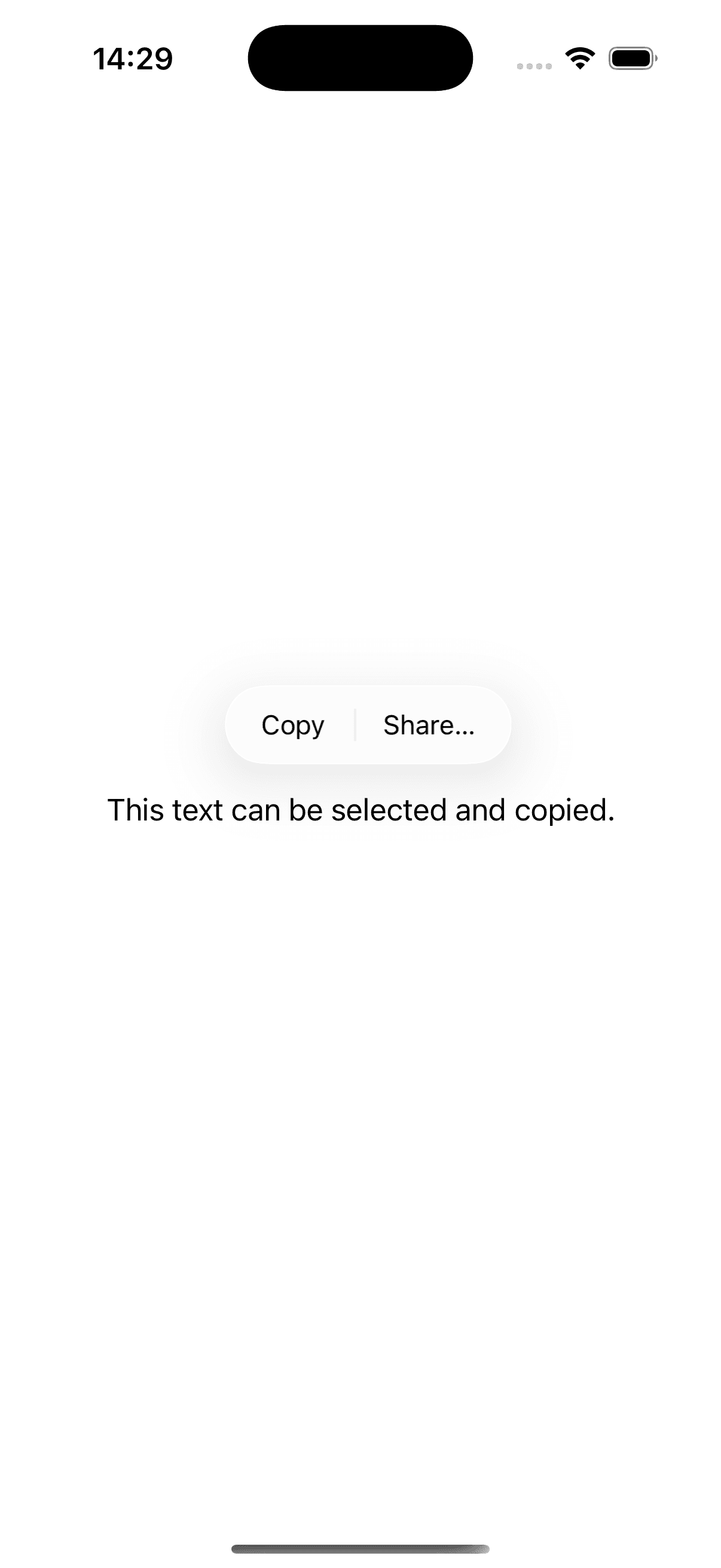
查找与替换
在 TextEditor 或 PDFView 等视图中,可以使用 findNavigator 启用系统原生的查找和替换界面。
TextEditor(text: $text)
    .findNavigator(isPresented: $isSearching)
文本选择亲和性(iOS 18+)
textSelectionAffinity(_:) 用于控制光标在特定情况下的行为,例如处理换行或双向文本(如混合英文和阿拉伯文)时的光标位置。
TextEditor(text: $text)
    .textSelectionAffinity(.upstream) // 光标倾向于逻辑前一个字符
键盘与焦点
焦点管理 (@FocusState)
使用 @FocusState 属性包装器以编程方式控制输入框的焦点状态。
struct LoginForm: View {
    @FocusState private var isFocused: Bool
    @State private var text = ""

    var body: some View {
        TextField("Input", text: $text)
            .focused($isFocused)

        Button("Dismiss Keyboard") {
            isFocused = false
        }
    }
}
键盘类型与提交行为
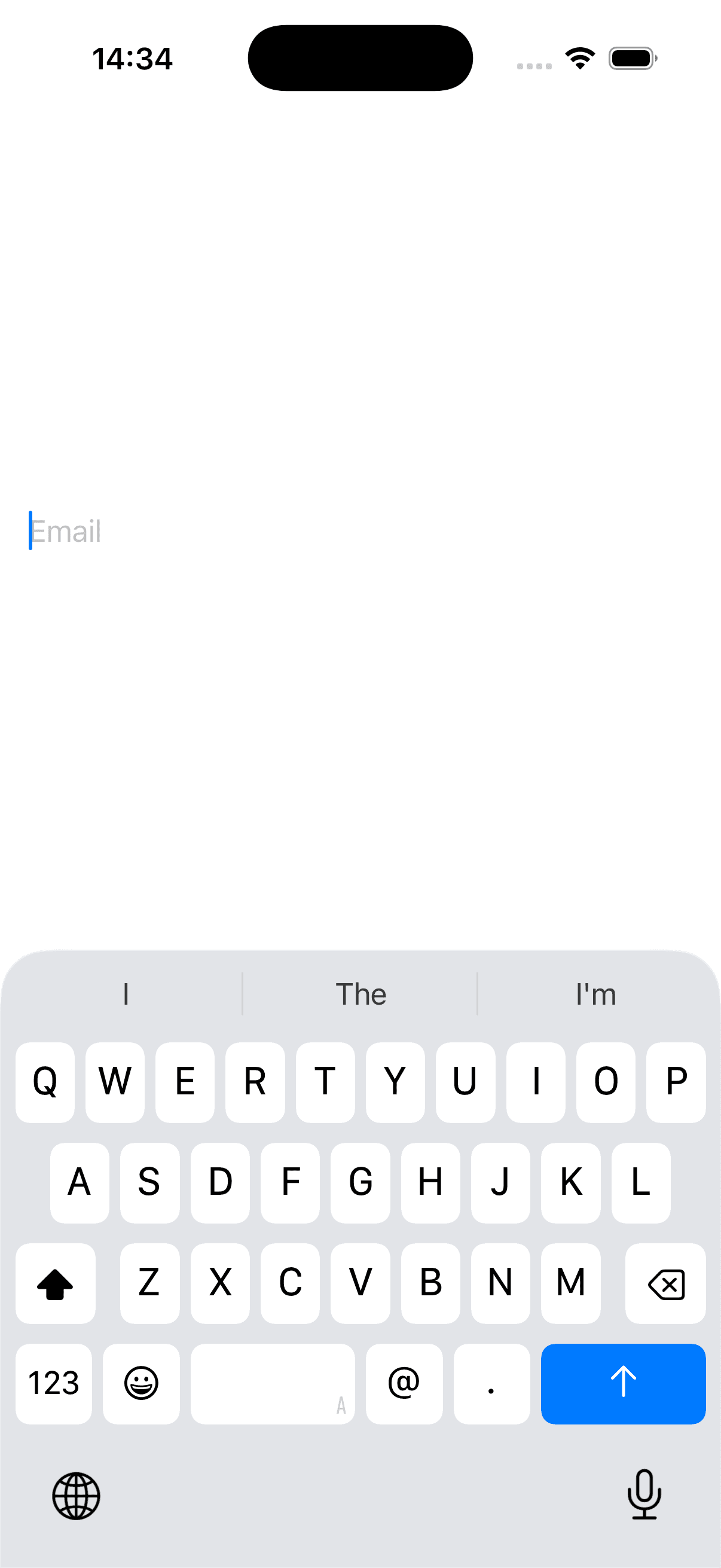
keyboardType(_:): 设置键盘类型(如数字键盘、邮箱键盘)。submitLabel(_:): 自定义键盘右下角确认按钮的文字(如 "Go", "Search", "Done")。
@State private var email = ""

TextField("Email", text: $email)
    .keyboardType(.emailAddress)
    .submitLabel(.send)
    .onSubmit {
        print("Email sent!")
    }
Writing Tools Behavior (iOS 18+)
writingToolsBehavior(_:) 允许开发者控制系统 Writing Tools(如重写、校对)在文本视图上的行为。
TextEditor(text: $text)
    .writingToolsBehavior(.automatic) // 或 .disabled, .limited
样式与格式
字体与排版
font(_:): 设置字体样式(如.headline,.caption)。fontDesign(_:): 设置字体设计风格(如.monospaced,.serif)。lineLimit(_:): 限制最大行数。truncationMode(_:): 设置截断模式(头部、中间、尾部)。multilineTextAlignment(_:): 多行文本对齐方式。
Text("A very long text that might need truncation...")
    .font(.system(.body, design: .rounded))
    .lineLimit(1)
    .truncationMode(.middle)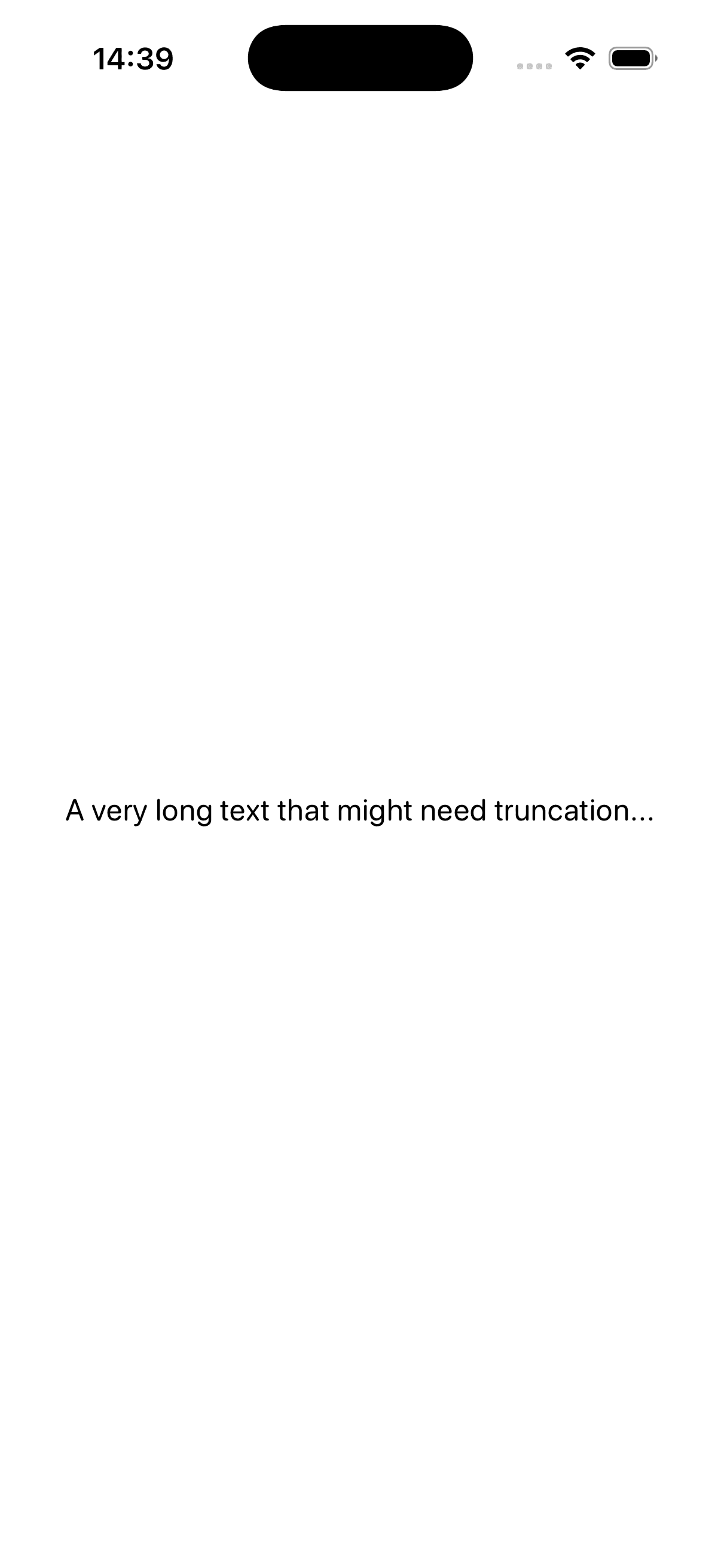
颜色与背景
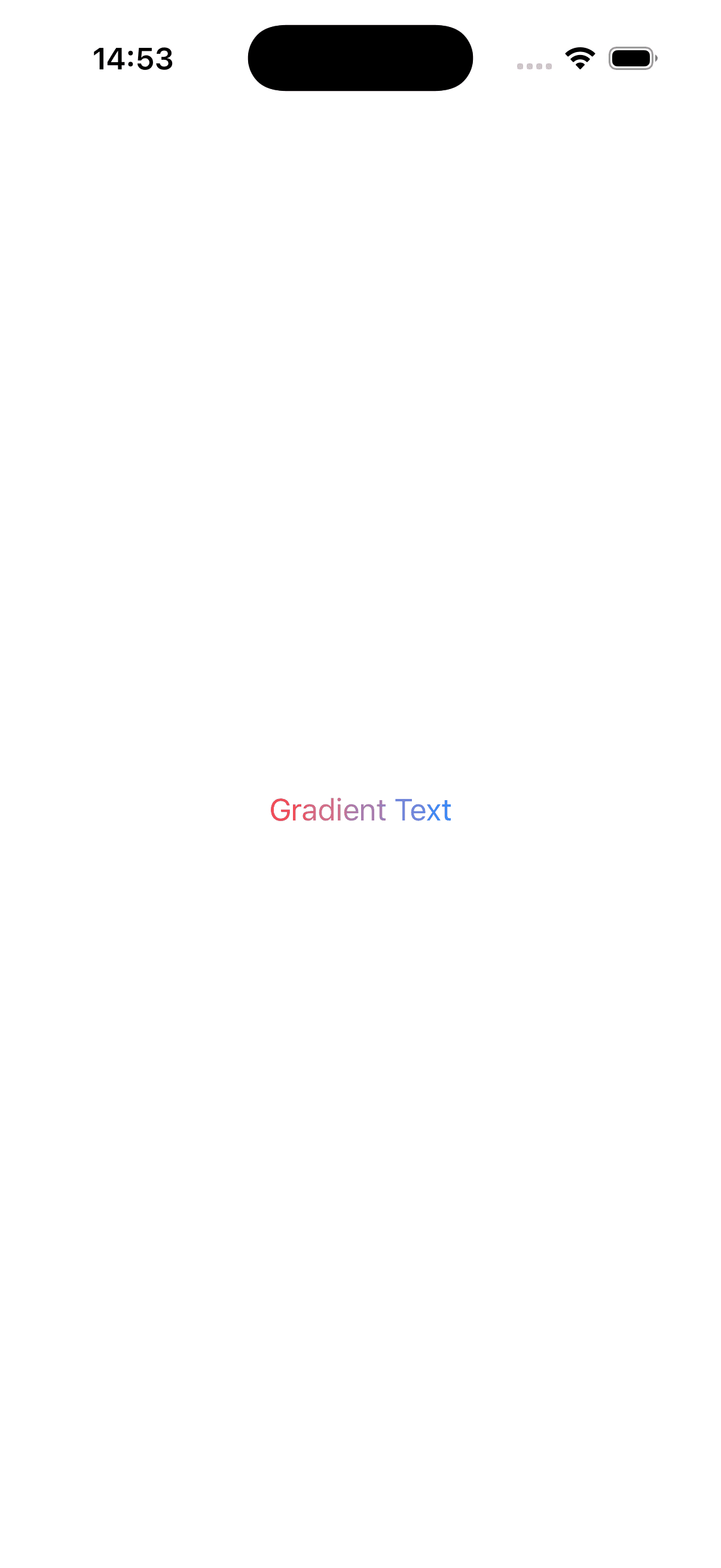
foregroundStyle(_:): 设置文本颜色,支持渐变。background(_:): 设置背景视图。
Text("Gradient Text")
    .foregroundStyle(
        LinearGradient(
            colors: [.red, .blue],
            startPoint: .leading,
            endPoint: .trailing
        )
    )
本地化
SwiftUI 的 Text 默认支持本地化。传入的字符串字面量会被视为 LocalizedStringKey。
Text("Welcome") // 会在 Localizable.strings 中查找 "Welcome" 对应的翻译locale(_:): 可以在预览或特定视图层级强制覆盖语言环境。typesettingLanguage(_:): 指定排版语言,确保特定语言的标点和断行规则正确应用。
Text("Hello")
.environment(\.locale, Locale(identifier: "zh_CN"))上次更新于